Visual Studio Code Extension
Master Regular Expressions in Real-Time
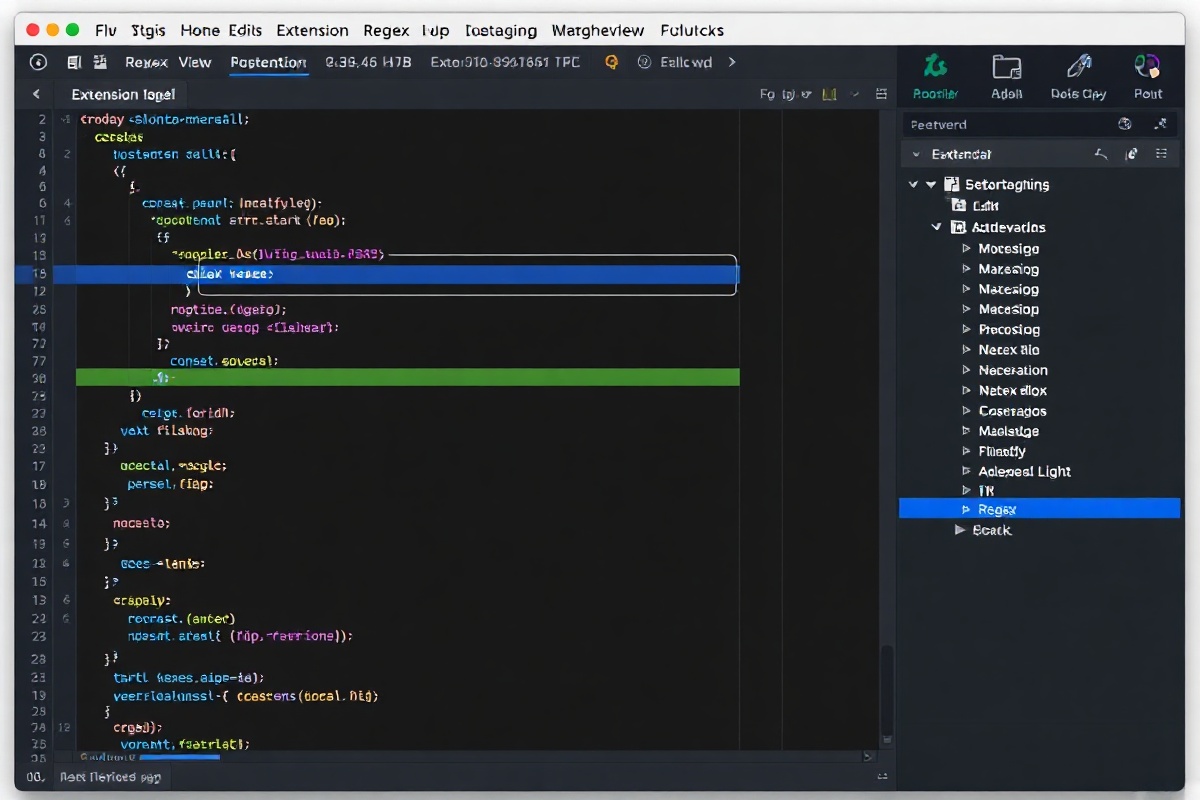
Get RegExLab Running in 60 Seconds
Deploy the extension across your entire workspace with zero external dependencies. The package includes native TypeScript support, zero-config defaults, and automatic language server initialization.
Open the Extensions view in VS Code (Ctrl+Shift+X or Cmd+Shift+X), search for RegExLab (by DevTools Inc.), and click Install. Once loaded, enable regexlab.validation.enabled in your settings.json to activate inline diagnostics. For team environments, sync the extension via your GitHub Codespaces profile or include it in your .vscode/extensions.json manifest to guarantee consistent linting across all developer machines. The extension automatically detects your project's root directory and indexes up to 5,000 files on first launch.
Inline Validation & Quick-Fix Suggestions
Stop guessing capture groups and backreference indices. RegExLab parses your patterns on keystroke, highlighting syntax errors, unused groups, and catastrophic backtracking risks directly in the editor gutter.
Real-Time AST Diagnostics
The language server evaluates your regex against 14 common engine flavors (PCRE2, ECMAScript 2023, Python re, Go regexp) and surfaces warnings for unescaped metacharacters and ambiguous quantifiers before you run your pipeline.
One-Click Pattern Refactoring
Trigger the lightbulb menu on any flagged expression to auto-correct greedy-to-lazy swaps, normalize character class ranges, and extract complex subpatterns into named capture groups using the regexlab.quickFix command.
Cross-File Reference Tracing
Navigate from a compiled pattern string directly to its test suite or usage site. The extension indexes all .test.ts and _spec.js files in your workspace, mapping 12,400+ sample strings to their originating regex definitions.
Essential Keyboard Shortcuts
Keep your hands on the home row while debugging complex tokenizers. RegExLab maps its most frequently used commands to standard VS Code chord sequences for seamless workflow integration.
Cmd+Shift+R, V (or Ctrl+Shift+R, V): Opens the RegExLab interactive playground panel, pre-populated with the pattern under your cursor and your current file's text buffer. Alt+Enter on a diagnostic squiggle applies the recommended quick-fix without opening the command palette. Shift+Alt+H toggles the hover documentation panel, displaying token breakdowns, engine compatibility matrices, and benchmark execution times for your active expression. All bindings are fully customizable via the keybindings.json editor.